Why the Loop Export Workflow is Broken
Bouncing stems, hunting through folders, and re-entering metadata kills session momentum. Here is why in-browser editing changes how fast sounds get shared.
By GETLOOPS Editorial
3 min read
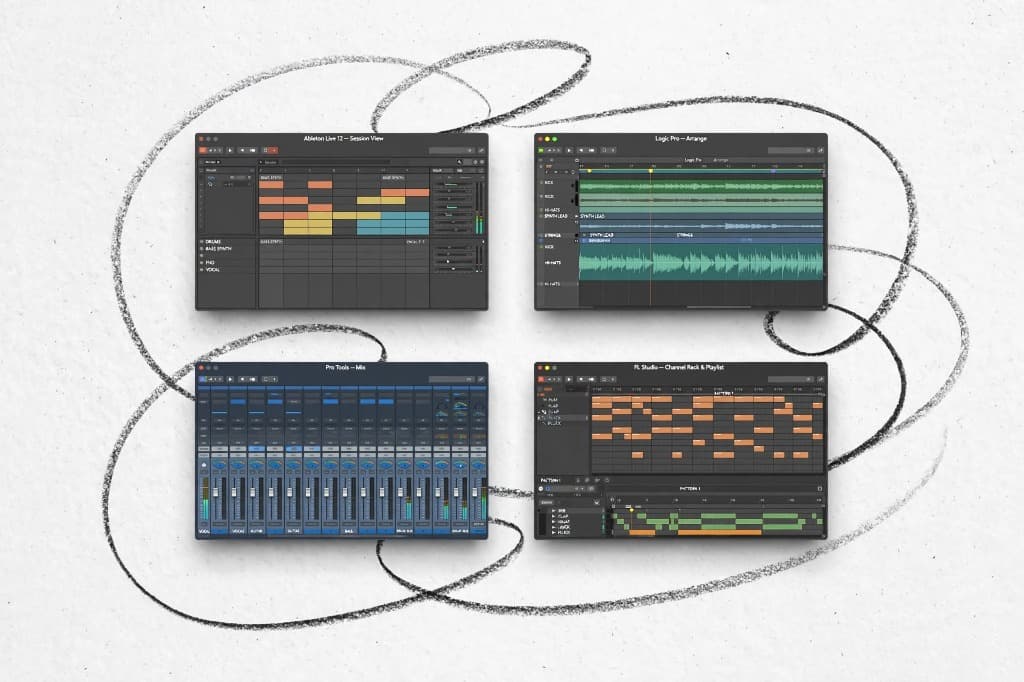
Every producer knows the loop-export dance.
You record a thirty-second idea in your DAW. It sounds great, so you spend two minutes setting loop locators, checking zero-crossings so the tail doesn't click, bouncing a WAV file to your desktop, digging through your downloads to find where it went, and manually typing in the BPM and key on an upload page. By the time the sound is actually online, the creative spark that made you record it in the first place is gone.
None of this feels like a massive problem on a single file. But across a month of sessions, that friction adds up — and it's why hard drives are full of incredible sketches that never made it onto a platform.
Here's why taking DAW export out of the loop creation process matters more than it sounds.
The gap between capturing an idea and sharing it
When you're in the flow of a session, any step that forces you to switch context is a risk. Switching from playing an instrument to managing audio files on your desktop breaks focus. The producers who share the most material aren't necessarily working more hours — they've just stripped the friction out of the distance between playing something and putting it where someone else can use it.
The fix isn't to work faster inside a complex DAW. It's to handle the cut, the cleanup, and the upload in a single surface.
What an in-browser editor actually needs to do
Trimming audio in a browser only works if it doesn't compromise sound quality or timing. To be useful in a real production workflow, the tool has to solve three specific problems:
- Beat-accurate slicing without manual math: Dragging markers by eye always leaves a tiny timing gap at the seam. An editor needs to snap directly to musical bars — 4, 8, or 16 measures — so the loop cycles seamlessly in any DAW without warping.
- Zero-crossing and edge polish on the fly: If the cut point lands mid-waveform, the speaker pops every time the loop repeats. Adding micro-fades at the boundaries automatically keeps the transient clean without having to zoom into individual sample points.
- Pitch and tempo awareness from the start: Testing how a loop feels pitched up three semitones shouldn't require opening a pitch plugin and re-rendering. You should be able to audition the transpose and lock the key before it leaves the browser.
The upload shouldn't be a separate event
In most workflows, editing and publishing are treated as two distinct jobs: you finish the file on your local drive, and then you begin an upload workflow from scratch.
Connecting the editor directly to your creator profile merges those into one motion. You drop a raw audio take, dial in the 8-bar loop you want, set your tags, and hit publish. The metadata stays attached to the file, the tempo is already detected, and the sound is instantly searchable.
The real payoff
None of this is about replacing your DAW for full arrangements. Your DAW is where you write, mix, and build full records. But for turning raw sketches, jam takes, and audio ideas into clean, usable loops, a dedicated tool keeps the momentum going.
The faster you can go from playing a riff to having a finished loop live on your page, the more sounds you actually share — and that's the difference between an archive full of forgotten ideas and an active library people are flipping every day.